
Which AI should you choose? Here's the real difference between Claude, ChatGPT, Gemini, and Mistral.
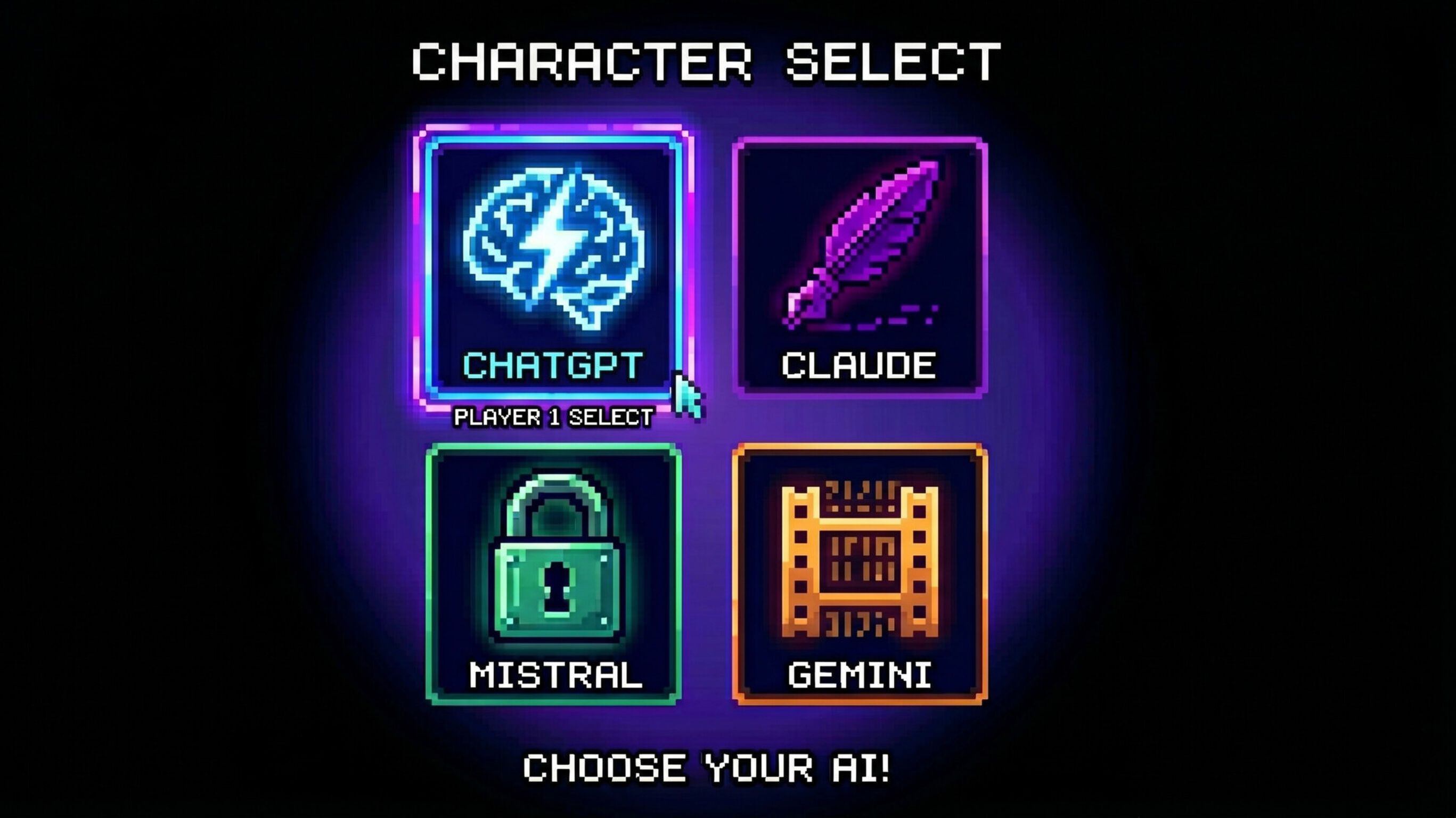
Everyone knows about ChatGPT. Even people who never use it have a general idea of what it is. But it’s no longer the only serious AI tool out there.
Claude, Gemini, and Mistral are popping up more and more often in conversations, demos, and software choices. But for many people, one question remains: what’s really the difference?
Sure, they can all write text, summarize, answer questions, and offer insights. But that’s where the comparison ends. One is better at writing. Another excels at voice. Yet another is stronger in video, European data storage, or specialized models for specific tasks.
So no, it’s no longer just about which AI is “the smartest.” The real question is simpler and more useful: which AI is the best fit for what you want to do?
TL;DR
- ChatGPT is the best all-around option: strong in voice, images, search, research, and general everyday use.
- Claude is strongest in writing and long documents: great for drafting, rewriting, summarizing, and working with a lot of context.
- Gemini is particularly strong with Google and video: handy if you work a lot with Gmail, Drive, and other Google tools, and if you want to generate video.
- Mistral is interesting for privacy, European data, and modular AI processes: strong for organizations that prioritize control, European positioning, and specialized models.
- The smartest choice isn’t a single model for everything: the best approach is usually to choose the right model for each task.
Why this comparison has become more important
A while back, it was simple. You’d pick an AI tool and use it for just about everything, a short text here, a summary there, sometimes a brainstorming session, or a little help with code.
Those days are over.
AI tools still look similar on the surface, but under the hood the differences are growing, not just technically but especially in practical terms. One tool feels better for writing. Another helps you faster with voice commands or research. Yet another is more useful if you want to automate processes or need to consider data storage and privacy.
That immediately makes the choice more important. Using the wrong tool doesn’t necessarily result in bad output. But it often results in output that’s not as good as it could be.
The four major players, briefly explained
ChatGPT: the best all-rounder
If you had to choose one AI tool for daily use, ChatGPT is still the safest choice for most people.
Why? Because it’s simply strong across the board. ChatGPT is good at writing, good at summarizing, strong at search tasks, great for research, and very useful for voice interactions. On top of that, image generation is also a clear strength. As a result, it feels like the most complete AI tool of the bunch.
ChatGPT isn’t always the best in every single category, but it’s the one that most often delivers “good enough plus a little extra.”
Use ChatGPT especially if you:
- want a strong all-around tool
- enjoy working with voice
- want to create images
- want to search and research quickly
- are looking for a single tool for many different tasks
Claude. Best at writing and long documents
Claude is the tool many people choose once text becomes more important than gimmicks.
Its default writing style often feels calmer, more natural, and less forced. Especially if you work a lot with articles, rewriting, structuring, or long documents, Claude often feels more comfortable to use. The model maintains a good overview of large amounts of text and excels at nuance, tone, and structure.
On the other hand, Claude is less suitable if you’re looking for image generation, video, or a strong Dutch voice experience.
Use Claude especially if you:
- write a lot
- want to analyze long documents
- want to rewrite or improve texts
- value a more natural writing style
Gemini. Strong with Google and remarkably good with video
Gemini is especially interesting if you’re already deeply immersed in the Google ecosystem, think Gmail, Drive, Docs, and other Google tools. In that context, Gemini feels intuitive, fast, and convenient.
In addition, Gemini has a clear advantage that the others in this comparison don’t have to the same extent: video. While ChatGPT, Claude, and Mistral focus primarily on text, images, and agents, Gemini also has a serious offering when it comes to video generation.
That makes Gemini especially interesting for people who don’t just want to write or search, but also want to work in a multimodal way.
Definitely use Gemini if you:
- work with Google a lot
- want to smartly combine Gmail and Drive with AI
- want to generate video
- are looking for a powerful multimodal tool
Mistral. Strong in control, Europe, and specialized applications
Mistral is less well-known to the general public than ChatGPT, Claude, or Gemini, but don’t underestimate this player.
While the other three are primarily known as major consumer products, Mistral is particularly interesting for companies and teams that look beyond just a chat window. Consider European positioning, data storage, control, smaller models via API, and specialized applications for specific processes.
As a result, Mistral isn’t so much the tool people spontaneously open to ask a quick question. It’s more often the tool that becomes relevant once AI truly becomes part of your service offering, infrastructure, or process design.
Use Mistral especially if you:
- value European data
- want more control over AI deployment
- need smaller, specialized models
- want to integrate AI into your processes
The differences at a glance
Topic | Claude | ChatGPT | Gemini | Mistral |
Generate images | No | Yes | Yes | Yes |
Generate video | No | No | Yes | No |
Voice / live chat | Limited | Strong | Strong | Present, but less prominent |
Audio transcription | No clear strong proposition | Yes | Yes | Yes |
Dutch voice/transcription | Weaker | Good | Good | Acceptable |
Standard writing style | Natural and calm | Strong, but sometimes more generic | Clear and functional | Concise and direct |
Long documents | Very strong | Good | Very strong | Good |
Working with local files and folders | Strong | Limited | Mainly within Google | Less desktop-oriented |
Search / web research | Good | Strong | Very strong | Good |
Multi-step tasks / agents | Strong | Strong | Strong | Strong |
Data storage / origin | American | American | American | European |
Privacy / control | Strong | Good | Good | Very strong |
Smaller models via API | Yes | Yes | Yes | Yes |
Suitable for specific tasks in processes | Good | Strong | Strong | Very strong |
Which AI do you use for what?
The easiest way to remember this comparison is not by brand, but by task.
Do you want to write or edit a long text?
Then usually choose Claude.
Claude often feels most natural when you’re working with tone, structure, rewriting, and long context. For blogs, articles, proposals, and text editing, it’s often a very strong choice.
Do you want an all-around tool for everyday use?
Then choose ChatGPT.
ChatGPT is the most comprehensive option for people who do a wide variety of tasks, whether it’s having a quick chat, looking something up, creating an image, asking for a summary, or developing an idea. It’s precisely that versatility that makes it so powerful.
Do you work a lot in Google or want to generate video?
Then choose Gemini.
Gemini becomes especially interesting if your workday already revolves around Google. And as soon as video comes into play, Gemini stands out even more clearly.
Do you want more control, European positioning, or specialized models?
Then check out Mistral.
Mistral really shines when AI needs to be more than just a standalone tool. For example, if you want to build, integrate, segment, or strategically deploy different models within your processes.
You don’t have to choose just one AI
Perhaps the most important takeaway from all of this: you don’t have to be loyal to just one model.
In fact, that’s usually not even a smart move.
Many people use ChatGPT for speed, voice, and general tasks. Claude for writing and long-form text. Gemini for Google-related work and video. And Mistral for processes, control, and European deployment.
There’s no such thing as the “best” AI. But there is a best choice for each task
Anyone who asks which AI is the best is actually asking the wrong question.
There isn’t a single winner for everything.
ChatGPT is the strongest all-around tool. Claude excels at writing and long documents. Gemini has a clear edge when Google searches and video are important. Mistral becomes particularly interesting when control, European positioning, and specialized applications become important.
So no, the smartest choice isn’t to blindly go for one name. The smartest choice is knowing which tool fits the task at hand.
With Sterc.ONE, you don’t choose just one AI, you choose the right model for the task
The real benefit isn’t in choosing a single model and hoping it’s good enough for everything.
The real benefit lies in being able to choose the right model for the right task.
With Sterc.ONE, you don’t have to keep wondering whether you should use ChatGPT, Claude, Gemini, or Mistral. For each specific task, you choose the model that’s best suited to it.
Do you want to write, summarize, or analyze a long document? Then choose a model that excels at that. Do you need transcription, image processing, search, video, or a specialized process? Then choose a different model that’s better suited for that.
This way, you don’t use AI as a single, general-purpose tool, but as a smart layer that lets you always deploy the right model at the right time.
This results in better output, greater control over quality, and an approach that aligns much better with real-world processes.
More than just access to multiple models
The beauty of Sterc.ONE is that it doesn’t stop at model selection alone.
If you choose ONE, you can add an unlimited number of colleagues without having to purchase a separate subscription for each additional user. This makes it more scalable and easier to manage than if everyone were to use separate tools on their own.
In addition, you’ll work with version control in your company’s prompt library. This means your prompts, instructions, and workflows won’t be scattered across separate accounts, chats, and documents, but can be centrally managed and further developed. This helps you maintain control over quality, consistency, and ongoing development.
We can also set up a number of pre-configured assistants for you directly within Sterc.ONE. Think of it as an alternative to OpenAI GPTs, Gemini Gems, Claude Projects, or Mistral Agents, but tailored to your own organization, processes, and use cases.
This prevents everyone from having to figure out how something works all over again. Instead, you provide teams with a set of smart assistants right away that are ready to support their daily work.
Why this makes a big difference in practice
As soon as AI is used more widely within an organization, the same problems often arise. Everyone works with different prompts. Knowledge becomes scattered. Subscriptions pile up. And best practices get lost in personal chats.
With Sterc.ONE, you solve this by organizing AI more intelligently at the central level.
You combine:
- the freedom to choose the best model for each task
- the ability to add an unlimited number of colleagues without worrying about extra seats
- central prompt libraries with version control
- pre-configured assistants for recurring tasks
- greater control over quality, adoption, and scalability
This means AI isn’t just something individuals use, but something your organization can effectively implement.
That actually makes sense. After all, you don’t use a single piece of software for everything. You choose what works best for each task. It’s the same with AI.