
Deep research with AI: stop guessing, choose the right tools
In-depth research using AI has come of age. But… many teams still use it as if it were just “smarter Googling.”
It’s not.
It’s like a researcher who creates a plan, consults sources iteratively, combines internal and external information, and turns it into a verifiable report.
But every tool does that just a little differently. So, which one do you choose when?
Deep research isn’t a search engine. It’s a junior consultant on steroids. You remain ultimately responsible.
ChatGPT, structuring, verifying, and delivering
Strengths
- Agent-based, multi-step research that can operate autonomously
- Works with the web, specific websites, uploads, and linked apps
- Ability to limit research to trusted or approved sources
- You can review the research plan in advance and make adjustments during the run without having to restart
- Full-screen document viewer with a clear source section and export options to PDF, Word, and Markdown
- New as of February 2026: real-time progress tracking, plan editing before and during execution, focus on trusted websites, and broader app/MCP integrations
Pitfalls
- Feature availability may vary by region (e.g., EEA rollout of connectors)
Use this if:
You need an auditable, shareable research deliverable. For example: due diligence, market analyses, or strategic justifications where you want to be able to explicitly show which sources were used.
Gemini, research within the Google ecosystem
Strengths
- Agent-based deep research capable of processing hundreds of websites
- 1M token context window + RAG for processing large amounts of information
- Standard research plan prior to execution
- Direct integration with Gmail, Drive, Chat, and Google Docs export
- “Double-check response” flow via Search for additional verification
- Within the API, the Deep Research Agent (preview) gives clear safety and cost estimates, plus straightforward guidance on prompt injection and data exfiltration
Use this if:
You want to combine your web research with internal documents, emails, or spreadsheets within Google Workspace. For example: market data + internal figures + customer feedback in a single integrated report.
Claude - parallel and systematic processing
Strengths
- Multi-agent architecture (lead agent + subagents + citation agent)
- Parallel exploration of multiple perspectives
- Suitable for broad landscape scans
- Integrations via connectors (for higher-level plans)
- Can analyze complex topics over the long term
Pitfalls
- Claude internally generates a research plan via its multi-agent architecture and begins execution immediately. Unlike some other tools, there is no explicit plan-approval step beforehand.
Use this if:
You want to explore a topic comprehensively and systematically. For example: market landscape, knowledge update, policy analysis, or complex strategic issues.
So which one should you choose and when?
It’s not a question of “which one is better,” but rather:
Do you want maximum control, explicit plan review, and a well-defined deliverable? → ChatGPT
Do you want to deeply integrate research with Google Workspace? → Gemini
Do you want broad, parallel exploration via a multi-agent architecture? → Claude
What deep research doesn’t solve
No matter which tool you choose, deep research remains an accelerator, not a truth machine. There are three structural pitfalls you should always be aware of:
- Citations are useful, but they don’t replace source verification: A citation doesn’t automatically mean that every claim has been accurately or completely reproduced.
- Contradictions are sometimes glossed over: agent-based systems seek coherence, so conflicting information may be synthesized rather than explicitly identified.
- Governance remains your responsibility: you determine the scope, source boundaries, and data usage, not the tool.
Deep research speeds up your work.
It does not replace your judgment.
How to do this yourself

ChatGPT
- Select Deep Research as a tool by clicking the plus sign within a chat.
- Decide which sources to use (the web, specific sites, uploads, apps)
- Review the research plan that is generated (the research starts automatically after 1 minute)
- Start the research and make adjustments as needed during the process.
- Use the document viewer to view or export the report.
Pro tip: limit the research to sources your organization trusts. Quality over quantity.

Gemini
- Open Gemini and select “Deep Research” from the tools.
- Decide whether to use Search only or to also include Gmail, Drive, or uploads.
- Review the suggested research plan and start the research.
Pro tip: make sure to explicitly state in your prompt which sources you don’t want to use; otherwise, you’ll get everything Google finds.

Claude
- Turn on Research using the plus sign in the bottom-left corner of the chat.
- Formulate your question as an assignment with multiple perspectives (strategy, risks, pros/cons, assumptions).
- Ask for parallel perspectives: “Create 3 perspectives: commercial, technical, compliance.”
- Enforce verification: what is certain, what is an assumption, and where do sources contradict each other?
Pro tip: have Claude cite a source for each key claim, not just a general reference list at the end.
Remco the Researcher gives you the right instructions
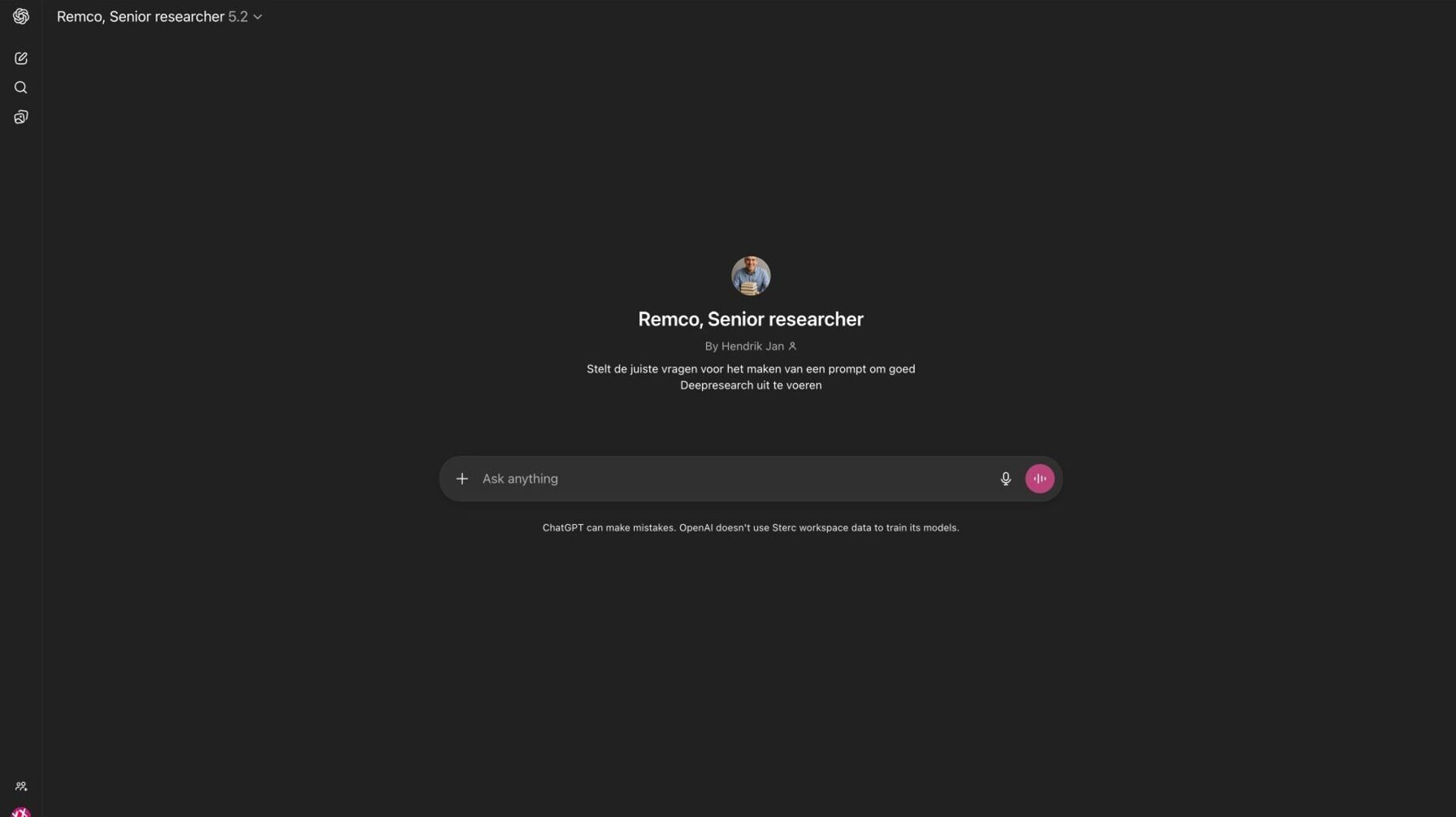
Let’s be clear: without a good prompt, you’ll get mediocre research. At Sterc, we use our custom GPT, Remco the Researcher, to help us generate the right prompt for Deep Research. Want to use it yourself? Check out Remco the Researcher’s instructions here and create your own.
Pro tip 2: Use different tools to conduct your in-depth research and compare the results. What are the similarities? And are there any gaps?